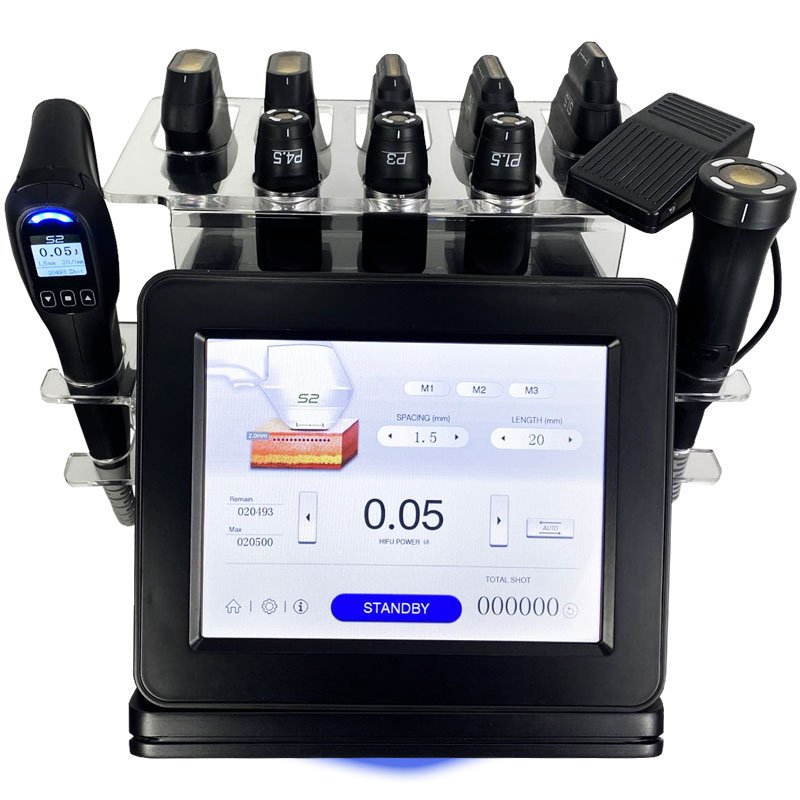

Xingshuo 448K RF Equipment for Distributor Review
October 21, 2026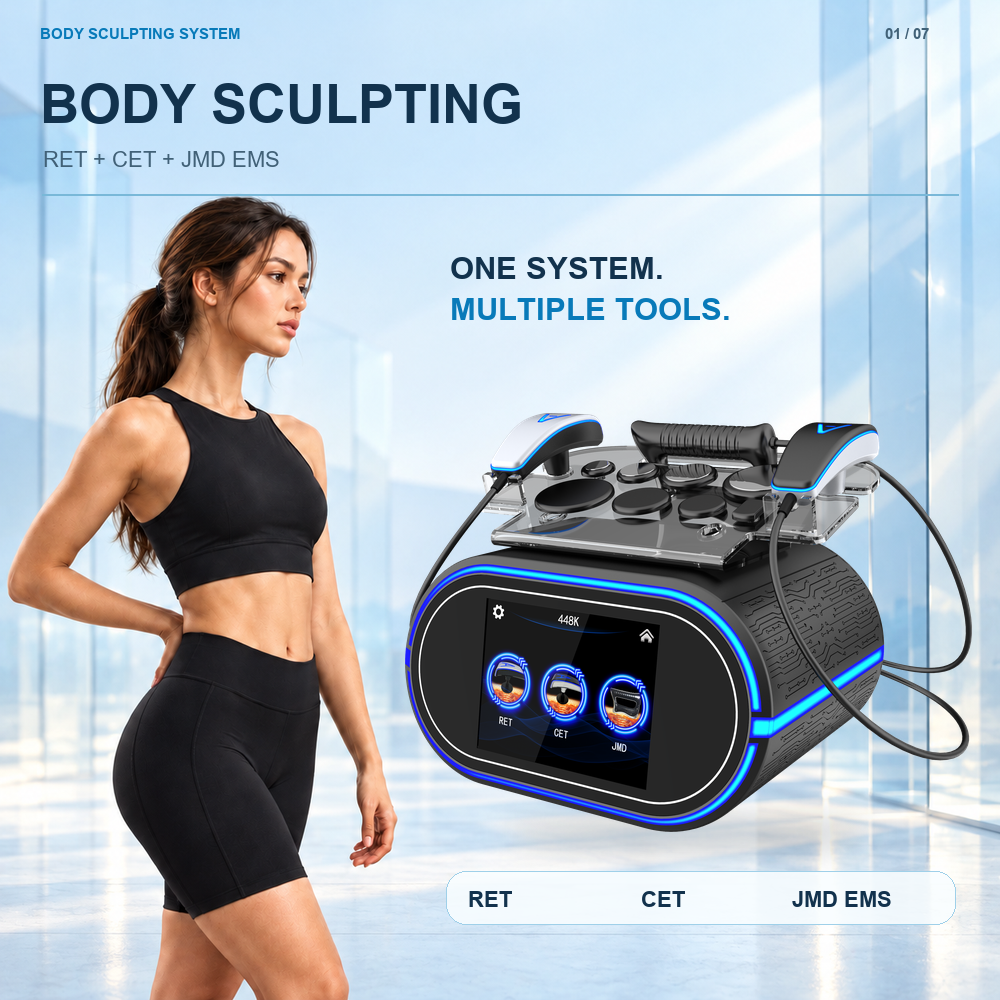
Xingshuo RF Console and Accessory Layout
Compare the Xingshuo front display and exterior details using the supplied screen reference. This page identifies visible labels and features so a buyer can describe the exact console, request the right manual illustration and distinguish visual observations from operating specifications.
Get Quote on WhatsApp — Select Buyer Type
Include your country, business type and required quantity for a faster reply.

Display and exterior visual reference
Compare the Xingshuo front display and exterior details using the supplied screen reference. This page identifies visible labels and features so a buyer can describe the exact console, request the right manual illustration and distinguish visual observations from operating specifications.
What is visible on the screen reference?
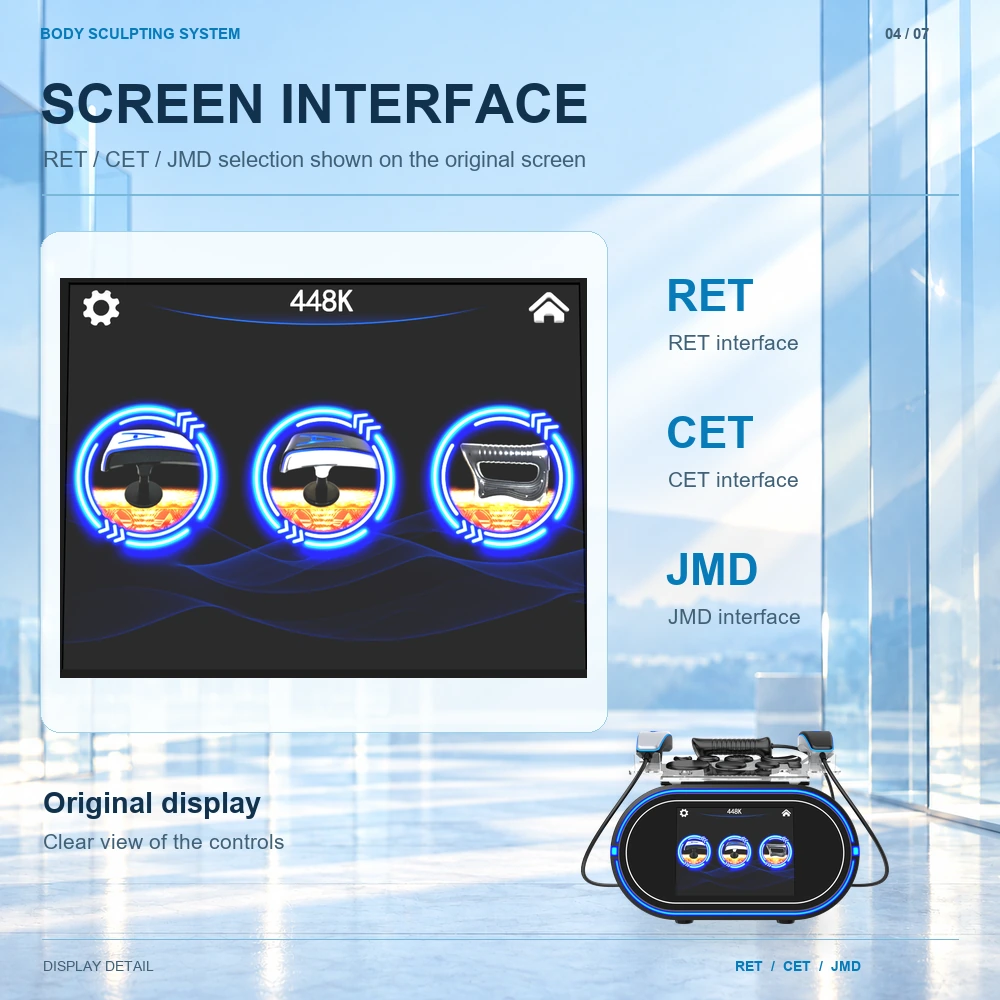
The screen artwork shows 448K at the top, three large icons labelled RET, CET and JMD, a gear-shaped symbol on the left and a home-shaped symbol on the right. Those labels provide a useful vocabulary for asking about the supplied interface. The artwork does not show numerical operating ranges or the full sequence of screens.
| Visible item | What can be identified | What needs the current manual |
|---|---|---|
| 448K | The label displayed at the top of the illustrated screen | The model’s complete documented technical specifications |
| RET / CET / JMD | Three separately named selections | Navigation, component matching and operating instructions |
| Gear-shaped symbol | A symbol at the upper left | The available settings and their documented meaning |
| Home-shaped symbol | A symbol at the upper right | The navigation behavior in the supplied software version |
Exterior details to compare with a delivered console
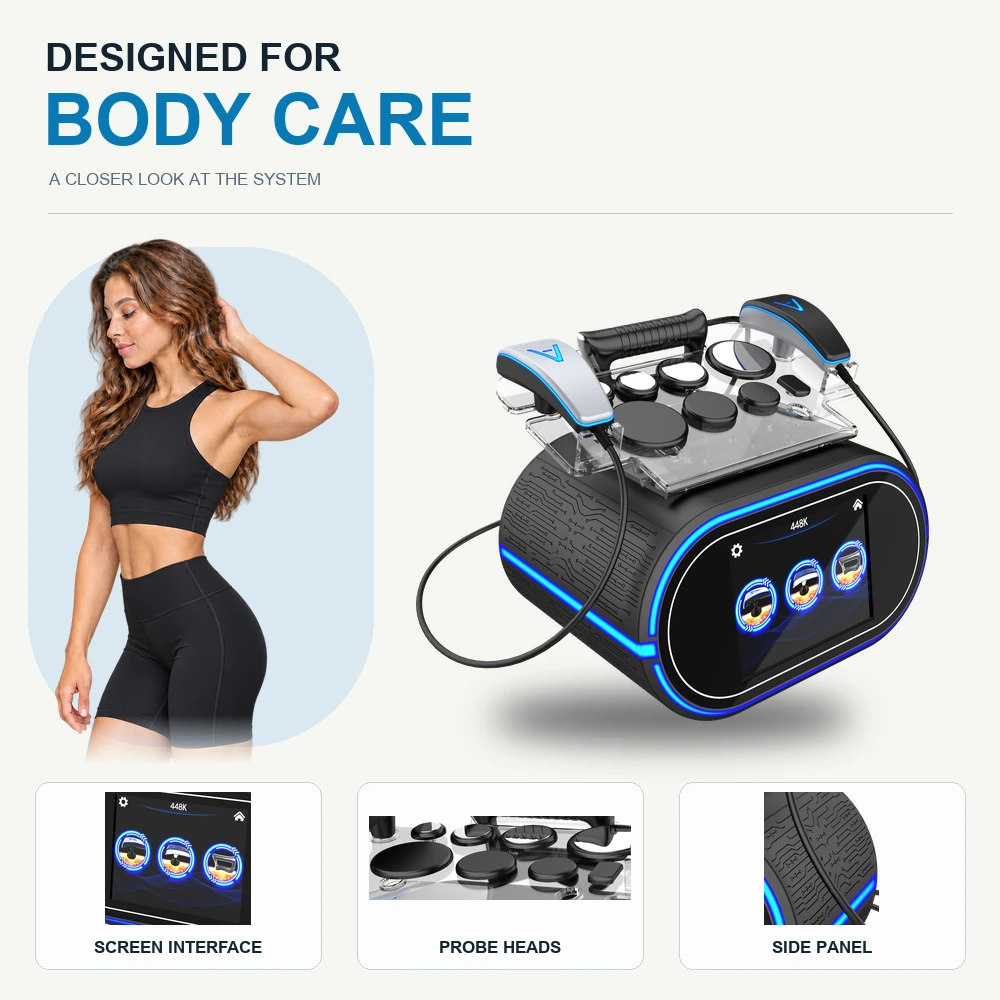
The model photographs show a black housing, blue illuminated trim, textured side panels and an upper accessory tray. Compare the front, both sides and the tray in a receiving photo set. Record any difference between the delivered exterior and the photographs attached to the final quotation.
Blue illuminated trim identifies the visual styling. Ask for the documented status indicators and the model demonstration when checking operation. Exterior lighting alone does not establish the state of an output or confirm that a particular mode is active.
Request an interface demonstration with a clear scope
- Name the screen label you want explained: RET, CET or JMD.
- Ask which component and manual section correspond to that label.
- Request navigation through the relevant screen and an explanation of displayed terms.
- Record the manual or software revision to which the demonstration applies.
Console identification questions
Does the image establish screen size or available languages?
No measured screen size or language list is specified in this visual reference. Request the current options for the intended order.
Is the word JMD on the screen a different model name?
It is a label shown within the Xingshuo interface. The accessory material identifies a separate JMD EMS handpiece within the same system.
Can these pictures replace a technical demonstration?
Use the pictures for identification and to prepare questions. Use the model-specific documentation and a scoped demonstration to resolve operating details.
Interface demonstration notes
| Item to record | Example of the record format |
|---|---|
| Demonstration identity | Date / Xingshuo unit reference / presenter |
| Document version | Manual or software revision confirmed during the demonstration |
| Screen reviewed | RET, CET or JMD label / screenshot reference |
| Open question | Observed label / question / supplier response still required |
Record what was actually shown separately from what was explained. A demonstration note is a documentation aid, not an operating protocol. Link physical accessory questions to the JMD EMS component record.
Model reference and related information
This guide concerns the same Xingshuo 448K RET/CET and JMD EMS system. Its topic-specific photographs do not identify a separate hardware configuration.